
I have made this software to improve myself at image processing. By doing that,
I learnt some other libraries and tecniques to make the software run faster.
pyautogui   - Used for getting computer's resolution
cv2         - Used for image processing
mediapipe   - Used for hand recognition
time        - Used for FPS calculation
math        - Used for mathematical calculations
numpy       - Used for matrix operations
mouse       - Used for mouse control
After running, camera capture will open. There will be a selected rectangular area.
That area is the movement area.
Preffered hand size is 2/3 of the movement area.
Captured image is flipped, using right hand is preffered.

# To Move:              Stick index finger to middle finger and move hand in the ractangular area.
                        If fingers are seperated, mouse will not move.
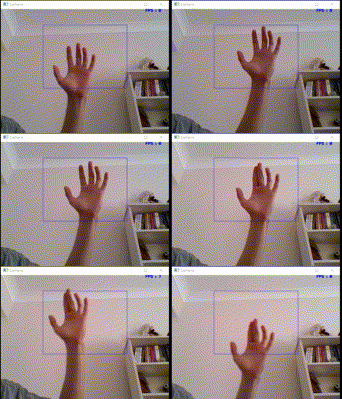
# To Left Click: Touch thumb with ring finger.
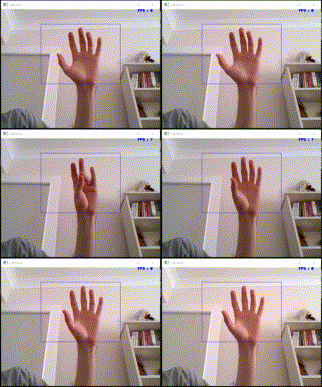
# To Right Click: Touch thumb with pinky.

# To Double Click: Stick pinky finger's fingertip to ring finger's fingertip and touch thumb.

# To Hold: Stick index finger to middle finger and stick to thumb. To move, move hand.
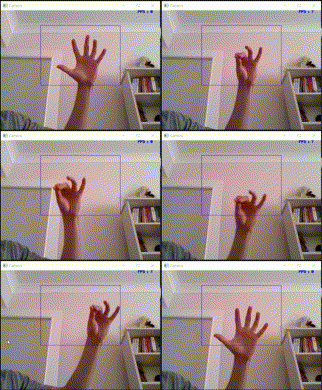
# To Scroll:            Stick four fingers except thumb. Close or open hand to do scroll.
                        When hand is open, it will scroll up. Close hand to scroll down.

Capture image from camera.

Image resolution updated according to screen resolution.

Movement area selected.

Using Mediapipe, hand points detected.

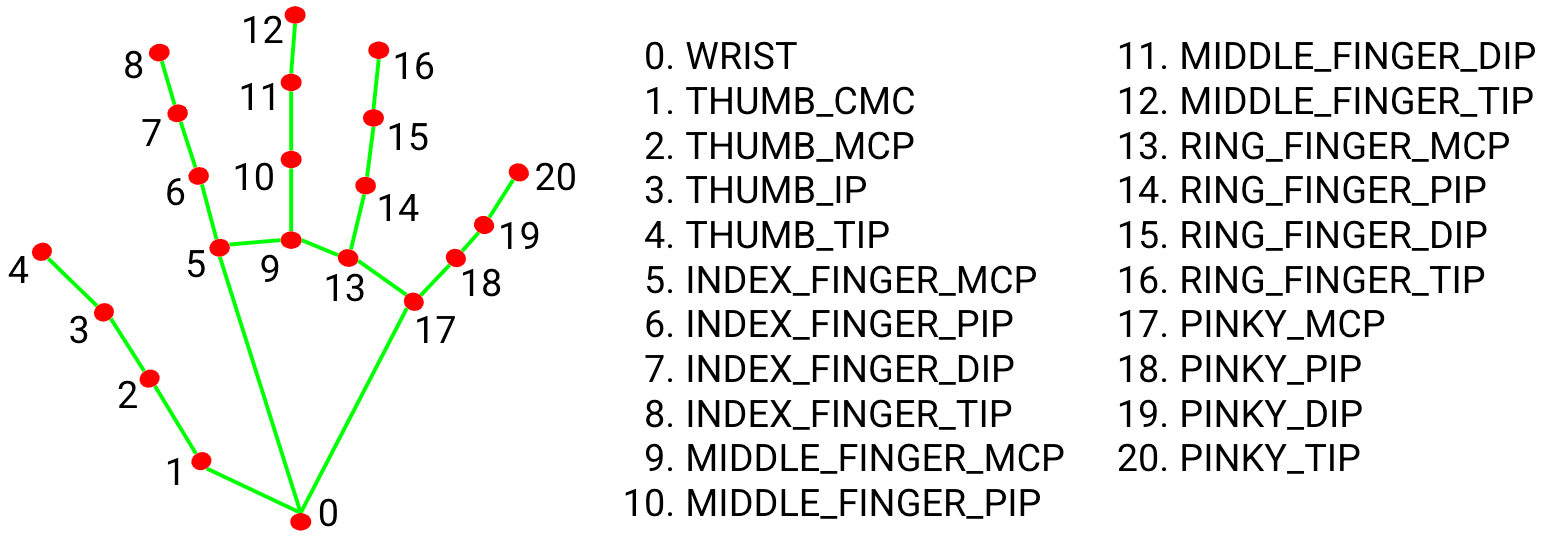
From detected hand points, necessary points selected. (4,8,10,11,12,15,16,20)

Distance between some points measured.

Using distances, combinations detected.

Using combinations, events done.
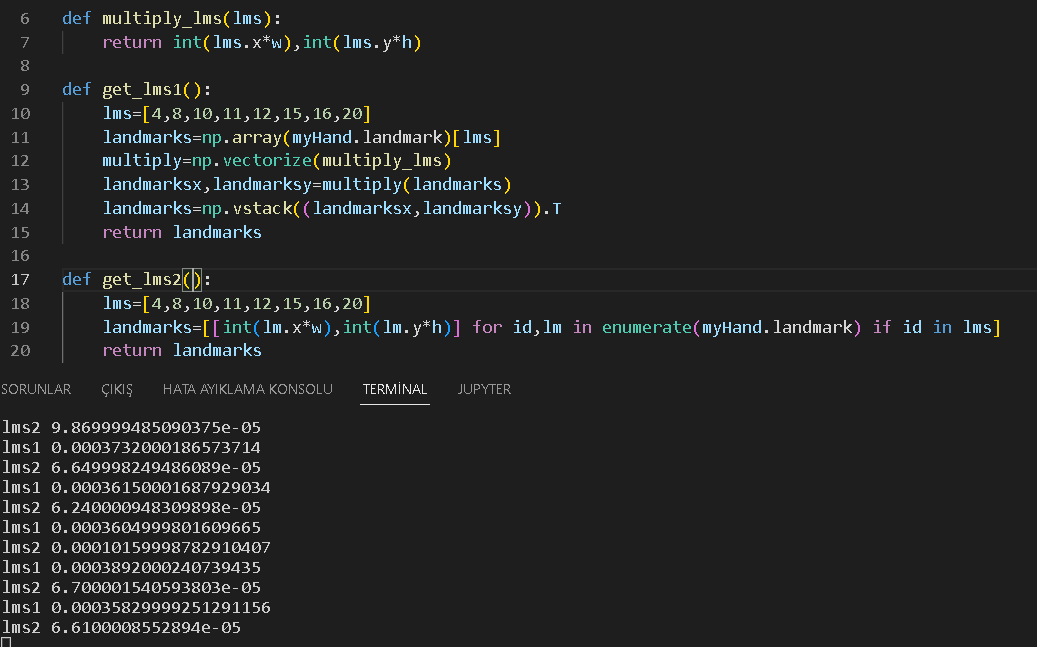
Instead of for loops, vectorize a function and use it throught the numpy array.
(lms1 is vectorized | lms2 is for looped)
Instead of pyautogui library, use mouse library for faster proccess. (Makes 2-3 fps differance)