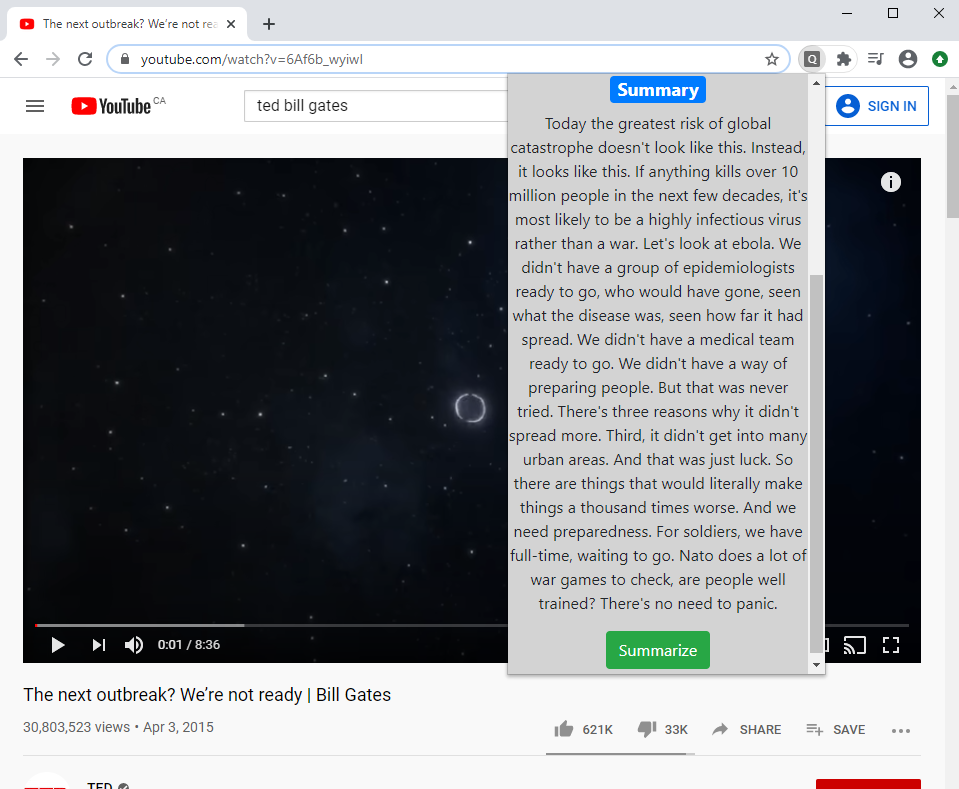
The main motivation for making QuickTube was to save time. There are countless occurrences where Youtube videos lure users in with eye catching titles and thumbnails, the next thing they know, half the day has passed. There are several workarounds to saving time already, such as watching the video on double speed, however this only reduces the watch time by half.
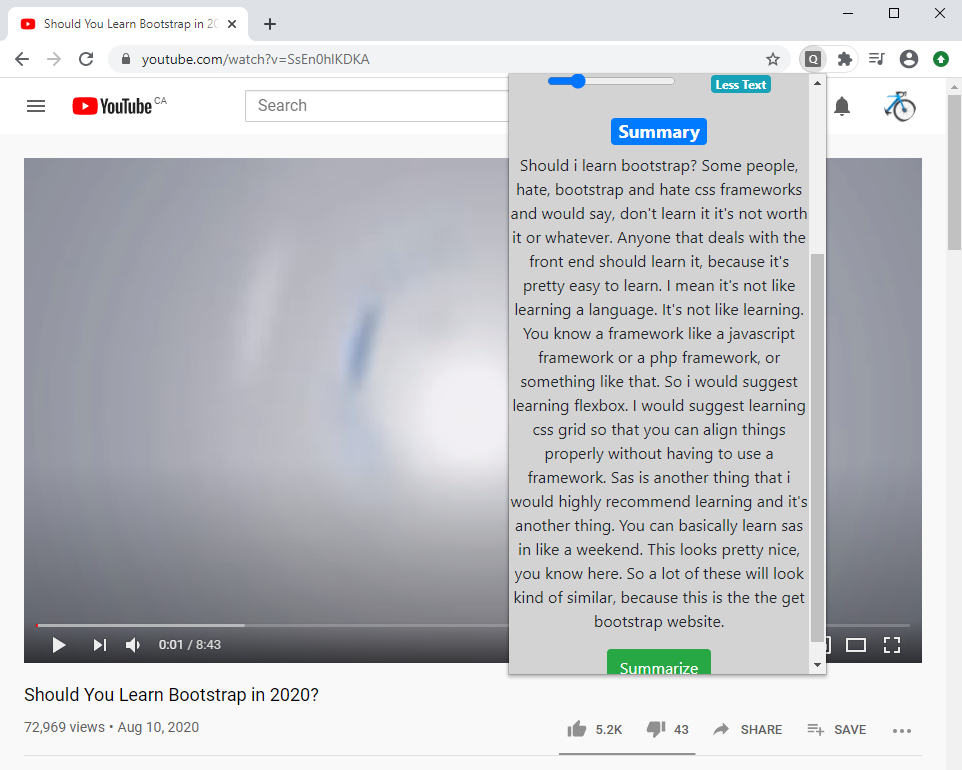
This is where QuickTube comes in, by summarizing the captions or transcript of any given video, it is able to pull the most important information and condense it into a small paragraph, reading this paragraph would take a tiny fraction of the total length of the video, while still providing the most important points to the user.
No more getting sidetracked by eye catching videos, summarize them and get back to work.
QuickTube was built as a chrome extension to provide a conveniant in-tab experience. The frontend was developed with basic javascript, HTML and CSS and Bootstrap. There was no point in using a framework for such a simple frontend. The backend was built using the python web-framework Flask, since the summarization algorithm uses the python NLTK library. The backend was hosted on Heroku.
QuickTube uses several API's to properlly function:
- The Chrome Messaging API was used for communication between the tab, popup and background scripts.
- The Chrome Storage API was used to store and retrieve summaries from already-summarized videos, to avoid the need to re summarize.
- The Youtube Data API v3 was used to check if a current video has an available transcript, it was also used to fetch that transcript for summarization.
- Google Oauth was used to authorize some API's such as the youtube data v3 or the user basic information API.
- Deep learning punctuation API was used to punctuate auto-generated captions.
- Install QuickTube from the Chrome Store.
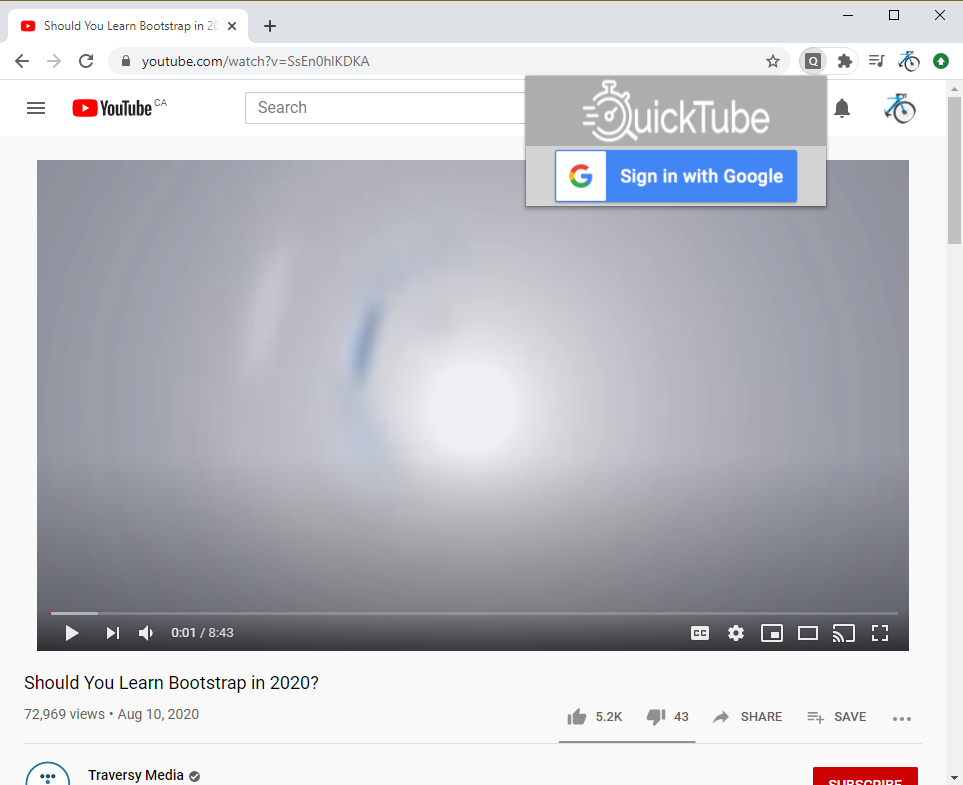
- Sign in with your Google account.
- Navigate to a Youtube video you wish to summarize.
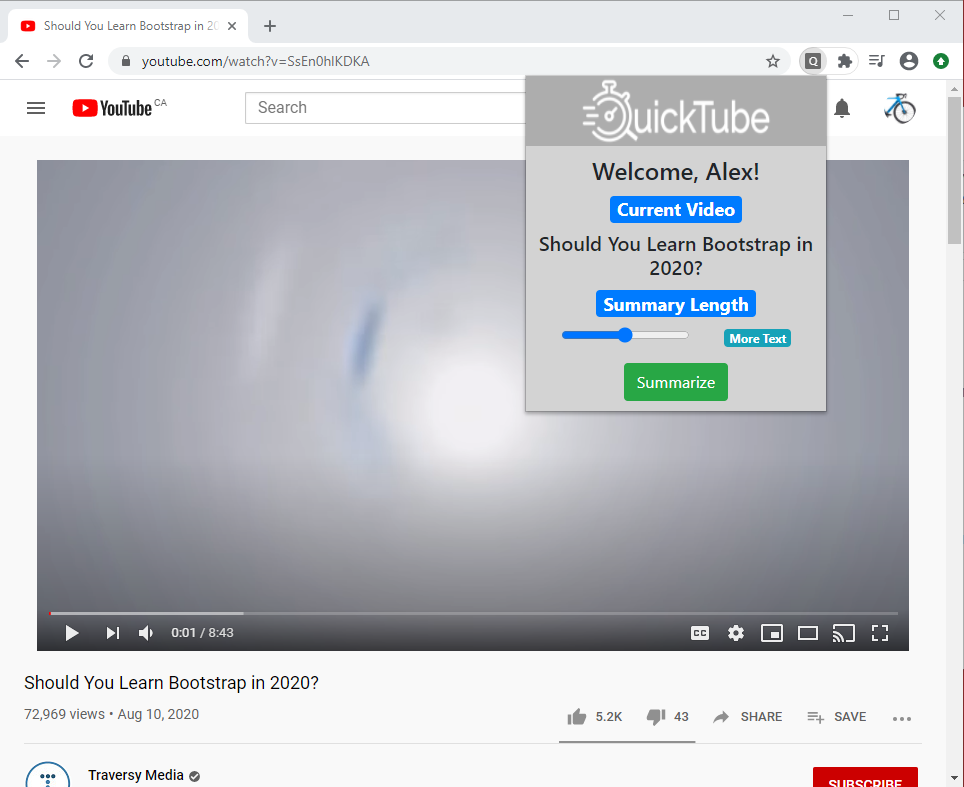
- Open the pop up and select the length of the summary you want.
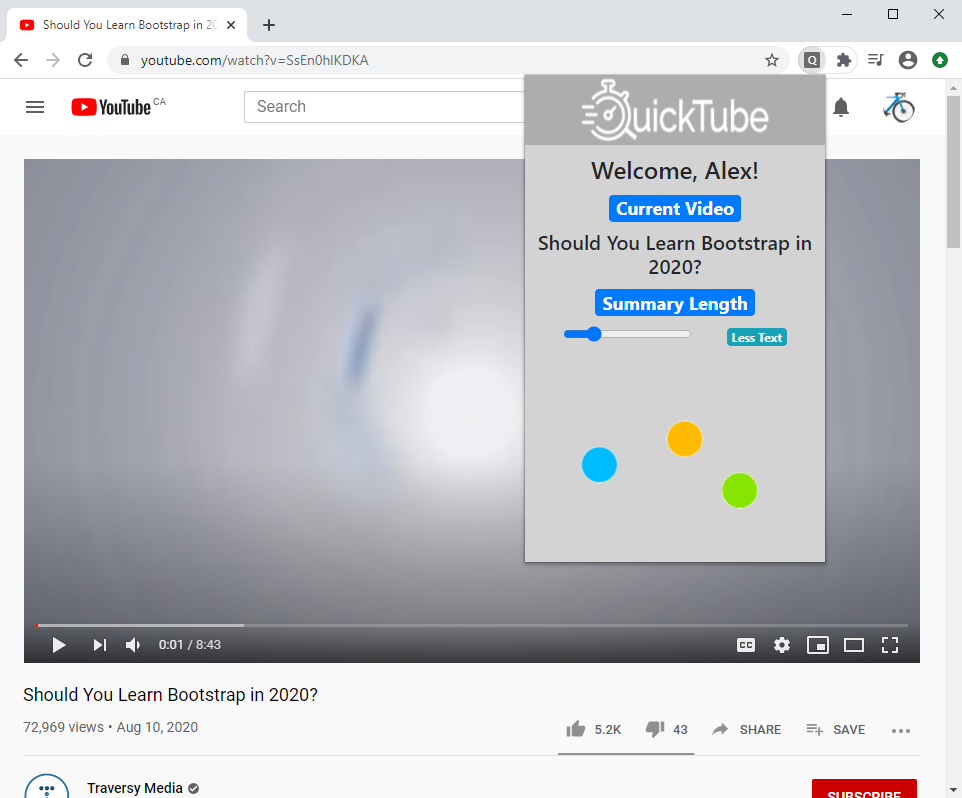
- Press summarize and the summary will appear.
If you would like to try this extension locally, download the code and load it as an unpacked extension.
https://chrome.google.com/webstore/detail/quicktube-youtube-video-s/kcdfmdmdogpfcmbdgafnphllmkloopkd