Skip to content
nkanaevPublic

About

control cmus playback on macos using the ui and/or media keys

Resources

Stars

10 stars

Watchers

1 watching

Forks

Latest commit


History

22 Commits

Folders and files

NameName
Last commit message
Last commit date


Repository files navigation

cmusie

control cmus playback on macos using the ui and/or media keys.
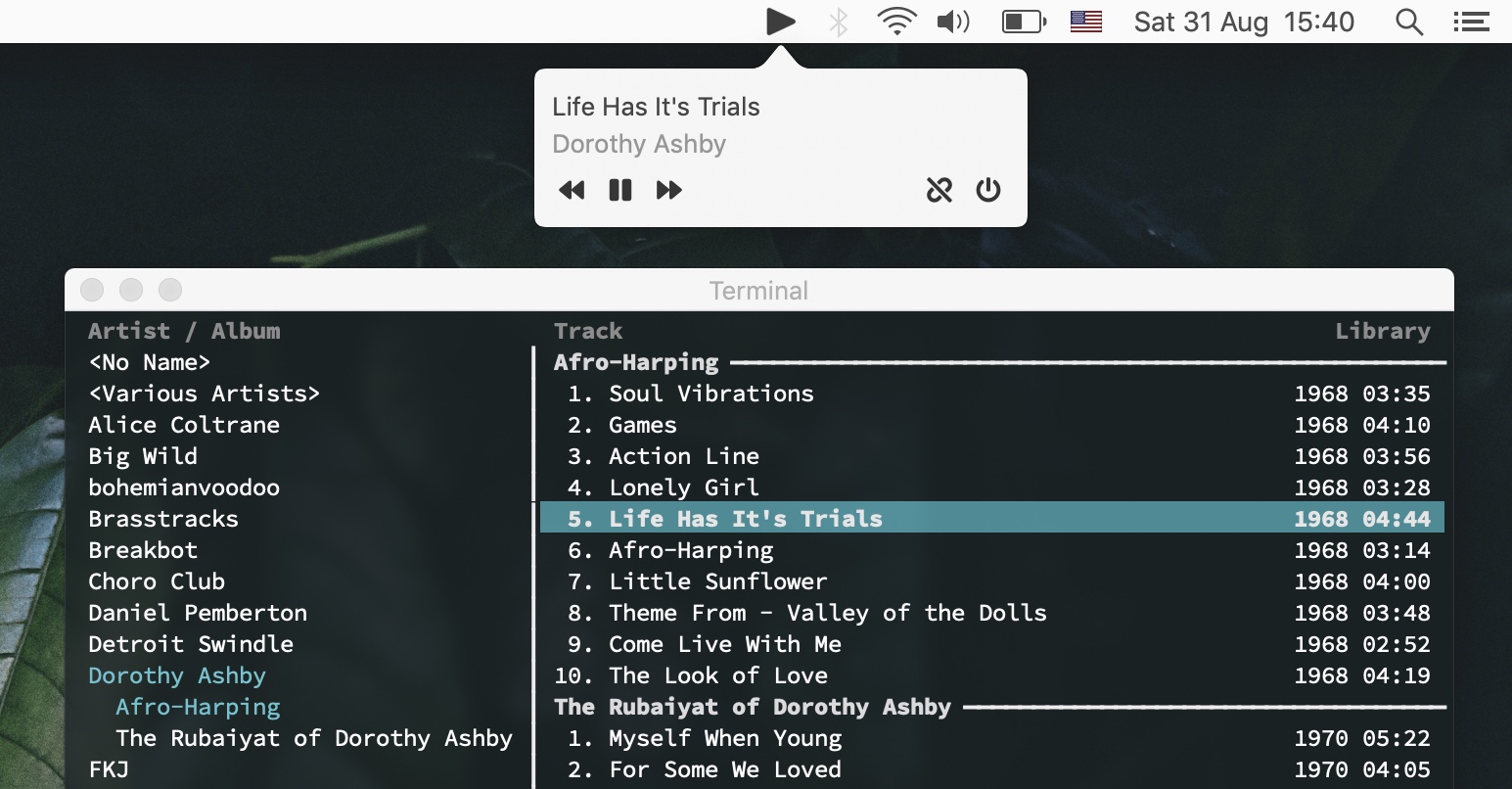
preview

download

usage

  1. Open the app, the tray icon should appear.

  2. Click the tray icon, then press "link" on the popover (1st button on the bottom right).

  3. If the app asks for permissions, follow the instructions.

  4. Run the command below:

     ln -s `which cmus-remote` /usr/local/bin/cmus-remote
    
  5. (Optionally) follow the guide here to automatically start the app when you log in.

credits

  • fontawesome: for button icons
  • mpv: for low-level media keys control code.

About

control cmus playback on macos using the ui and/or media keys

Resources

Stars

10 stars

Watchers

1 watching

Forks

Releases

Packages

Contributors

Languages